Google Chrome Is Silently Installing a 4 GB AI Model on Your Device — Here's What's Happening and How to Stop It
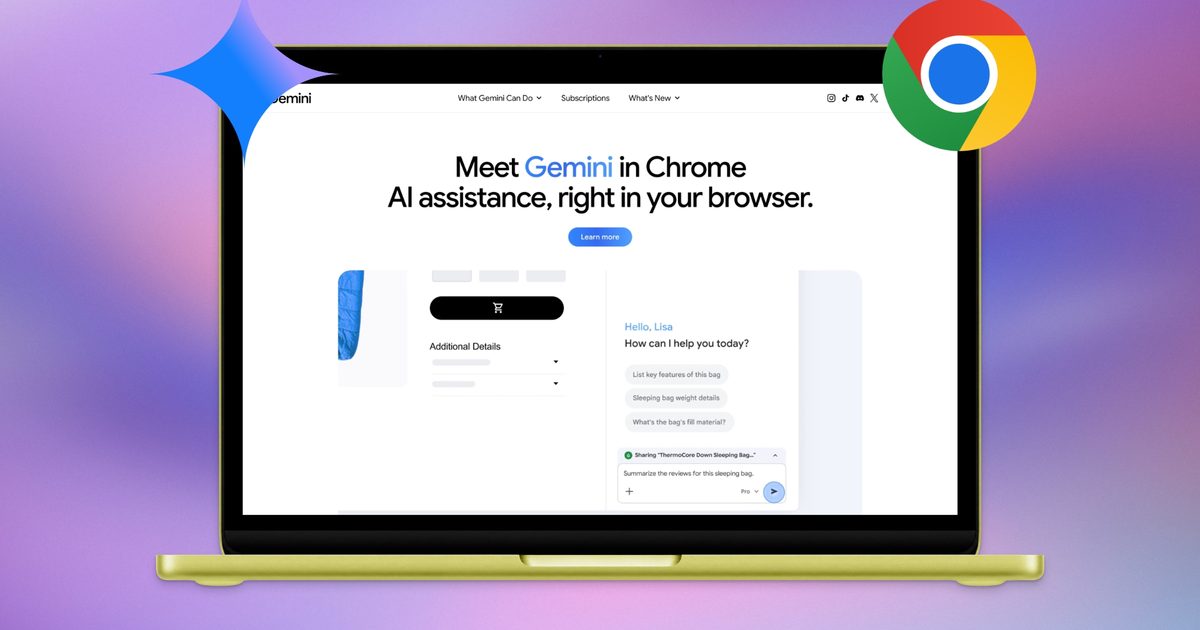
If you use Google Chrome, there is a 4-gigabyte AI model sitting on your device right now, and you almost certainly didn't ask for it. Privacy professional Alexander Hanff discovered that Chrome is silently downloading Gemini Nano, Google's on-device AI model, to users' devices without any explicit permission or notification — and if you delete it, Chrome simply downloads it again.
The file, called "weights.bin," lives inside a folder labeled "OptGuideOnDeviceModel" on your system. Hanff documented the behavior using macOS filesystem event logs, which track every file created or modified at the operating system level. On a freshly created Chrome profile that received zero human input, the entire 4 GB model installed in under 15 minutes while a tab sat idle.
This is not a bug or an accident. It is a deliberate design decision by Google to preload AI capabilities onto hundreds of millions of devices. The model downloads automatically once Chrome determines your hardware meets its requirements — before you have ever used a single AI feature in the browser.
What makes this particularly troubling is the disregard for user autonomy. Hanff noted that "the user's deletion is treated as a transient state to be corrected, not as a directive to be respected." In other words, Google's position is that it knows better than you do about what should live on your hard drive.
The justification for the model is modest at best. The most visible AI feature in Chrome — the "AI Mode" pill in the address bar — doesn't even use the local model. It sends your queries to Google Gemini servers. The on-device model powers features buried in the interface: "Help me write" in text boxes and on-device scam detection. These are useful functions, but they hardly justify a mandatory 4 GB download.
The storage impact is real. For users with 128 GB or 256 GB drives — still common in laptops sold today — 4 GB represents a meaningful chunk of available space. For Chromebook users, who often have even more constrained storage, the impact is proportionally larger. And if you have multiple Chrome profiles, each one can potentially trigger its own download.
The environmental implications are staggering at scale. Hanff estimated that if 500 million devices received this download, the bandwidth alone translates to roughly 30,000 tonnes of CO2 emissions — equivalent to about 6,500 cars running for an entire year. That is just for the delivery, not the ongoing energy cost of running inference on local hardware.
Google's silent installation also raises questions about the broader direction of the browser market. As AI-focused browsers like Perplexity Comet and Dia gain traction, Google clearly feels pressure to embed AI into Chrome to maintain its dominance. But the approach of forcing models onto devices without consent represents a significant escalation in the ongoing tension between platform control and user agency.
There is also a security dimension. A 4 GB model file that automatically downloads and re-downloads itself creates a persistent footprint on your device. While there is no evidence of malicious behavior, the model's behavior — auto-downloading, auto-restoring after deletion, operating without explicit user consent — mirrors patterns that security researchers typically flag as concerning.
The fix exists but is buried. You can disable the download by navigating to chrome://flags, searching for "Enables optimization guide on device," and turning it off. This requires more technical knowledge than most Chrome users possess, which is almost certainly by design. Google could make this an opt-in setting with a simple toggle in the main settings menu, but it has chosen not to.
What This Means For You: Check your device storage for a folder called "OptGuideOnDeviceModel" — if it's there, Chrome has already installed the 4 GB model without asking. To stop it, go to chrome://flags, search for "optimization guide on device" and set it to Disabled. Restart Chrome. If you value your storage space and your autonomy over what gets installed on your devices, this is worth doing now — because Google shows no signs of making this download optional. For IT administrators managing fleet deployments, this silent download could be consuming significant bandwidth and storage across your organization without anyone's knowledge.
Editorial Team
Originally sourced from Digital Trends / Alexander Hanff
Related Stories
YouTube is testing an AI search mode that \'feels more like a conversation\'
A new feature called Ask YouTube will let you pose complex questions and receive...
YouTube is testing an AI-powered search feature that shows guided answers
YouTube is rolling out the new AI search feature to Premium subscribers in the U.S. on an opt-in bas...
Your next iPhone upgrade is going to hurt your wallet, and AI is to blame
Apple...