I learned my 3-year-old SSD was dying the hard way, and the health percentage never warned me
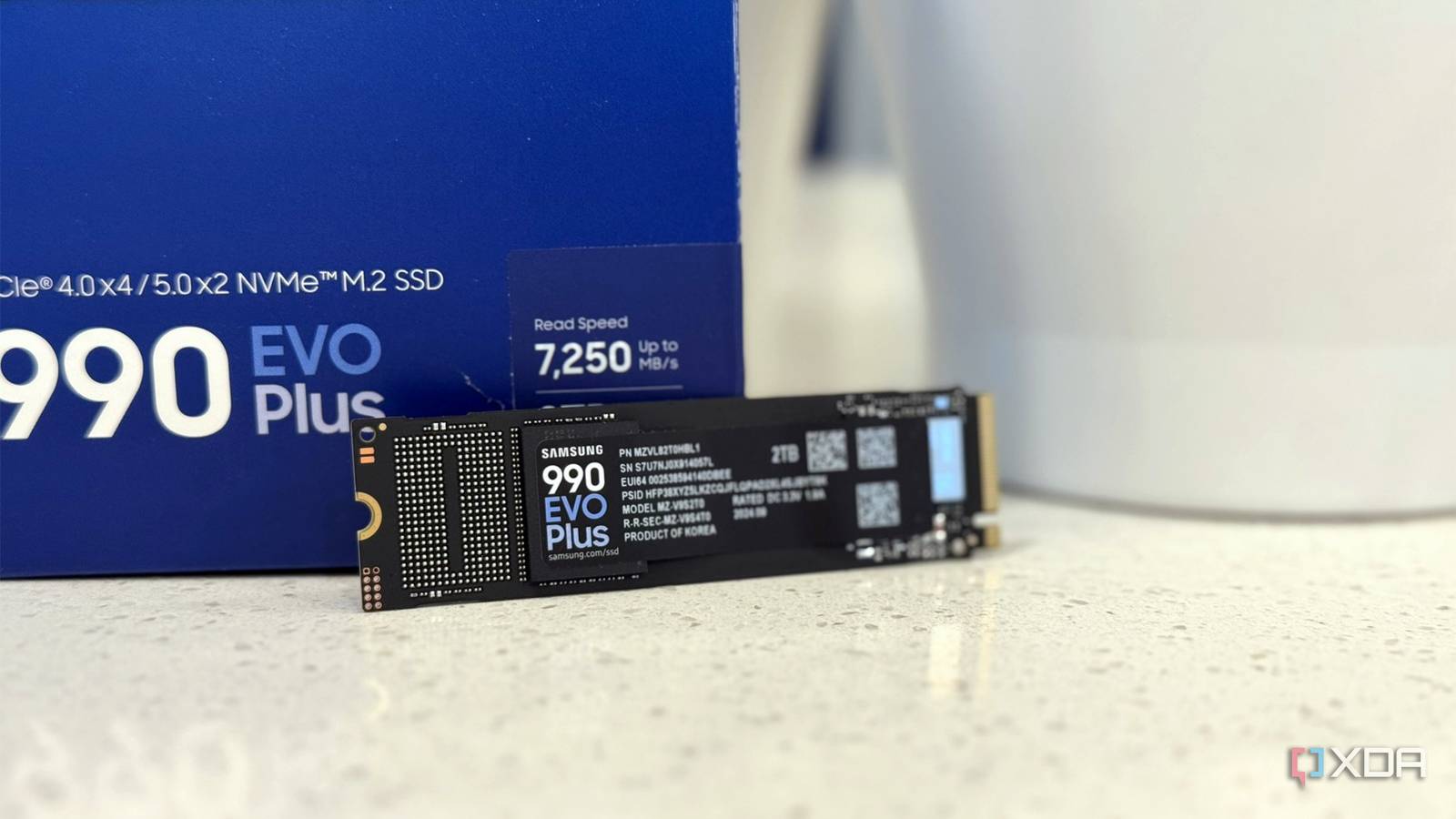
When my computer started taking two minutes to boot and programs began freezing mid-task, I assumed it was malware. It wasn't. My three-year-old SSD was dying — and the health monitoring tool I trusted had been giving me a clean bill of health right up until the drive started failing.
The experience highlighted a critical gap in how most users monitor their solid-state drives. Unlike hard disk drives, which typically degrade gradually and give audible warning signs, SSDs can fail with little notice. The NAND flash memory they rely on has a finite number of write cycles, and once cells begin failing, degradation can accelerate rapidly.
Related
Health & Wellness Essentials on AmazonSmall changes in your daily routine can make a big difference in how you feel.
The problem is that most SSD health indicators — including the SMART (Self-Monitoring, Analysis, and Reporting Technology) data that many monitoring apps display — report the remaining percentage of rated write endurance, not actual drive health. A drive that has consumed only 40% of its rated write cycles can still develop firmware bugs, controller failures, or bad blocks that render it unreliable.
"SMART data is useful but not sufficient," said Dr. Kent Smith, VP of marketing at storage analytics firm StorageReview. "We've seen drives with 90% remaining life fail catastrophically due to controller issues. The health percentage tells you about wear, not about the mechanical and firmware integrity of the drive."
Several steps can help you avoid my mistake. First, enable the built-in SMART monitoring in your operating system — Windows users can check via Command Prompt with "wmic diskdrive get status." Second, pay attention to real-world performance metrics: if boot times double or file transfers slow dramatically, that's a red flag regardless of what health monitoring software reports. Third, maintain current backups. Cloud backup services like Backblaze or local NAS solutions provide insurance that no monitoring tool can replace.
What This Means For You: If your computer is more than two years old and uses an SSD, don't trust the health percentage alone. Watch for performance slowdowns, run regular SMART checks, and — most importantly — make sure your important files are backed up somewhere other than that drive. A $7/month cloud backup subscription is dramatically cheaper than professional data recovery, which typically runs $500-$3,000 with no guarantee of success.
Editorial Team
Originally sourced from XDA Developers
Related Stories
Young Adult Suicide Rate Down 11% Over 2.5 Years of New 988 Mental Health Crisis Hotline
New data shows that the young adult suicide rate has dropped 11% since the launch of the 988 Suicide...
Will Trump\'s reclassifying of medical marijuana have any impact on criminal justice reform?
The Trump administration...
Will Trump\'s reclassifying of medical marijuana have any effect on criminal justice reform?
The Trump administration has moved to reclassify state-licensed medical marijuana as a less-dangerou...